
 Vaultic
Workspaces, projects & environments
The three levels of the dashboard, and what each list/detail view shows.
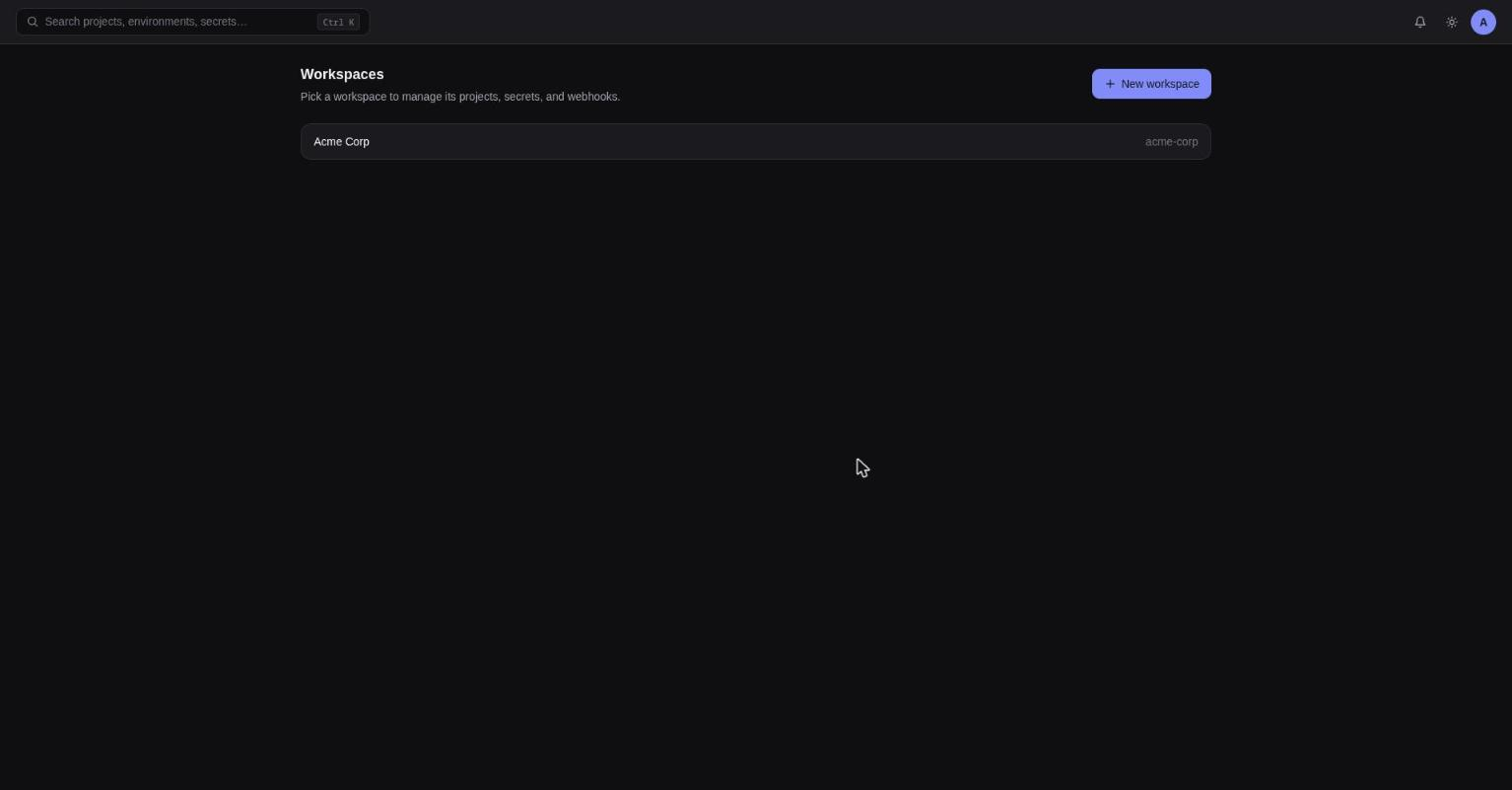
Workspaces
Lists every workspace you belong to as cards (name + slug). "New workspace" opens a modal
requiring a name and a slug ([a-z0-9][a-z0-9-]*).
Projects
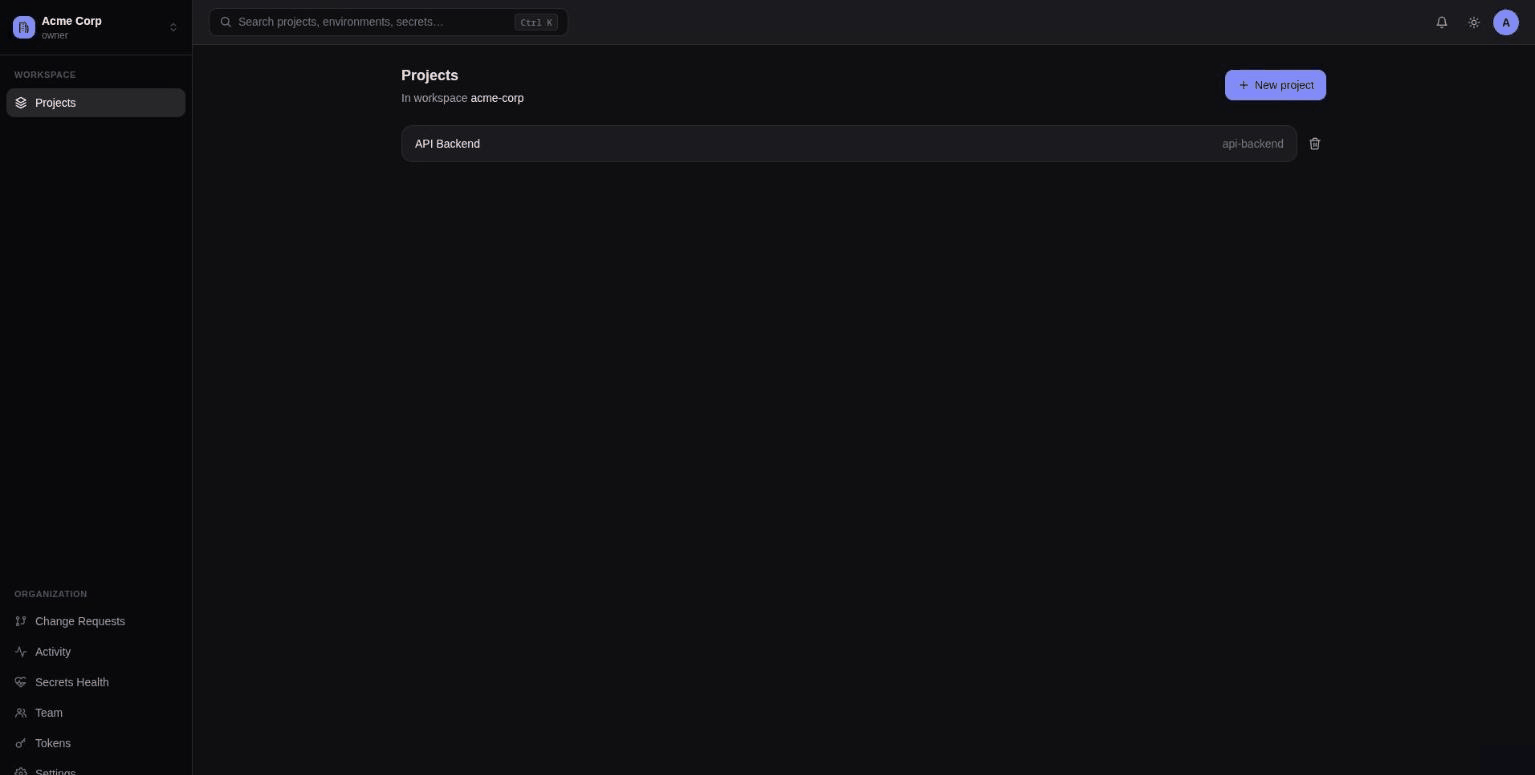
Lists projects within the current workspace. "New project" takes a name + slug — new projects
come with development, staging, and production environments by default.
Environments list
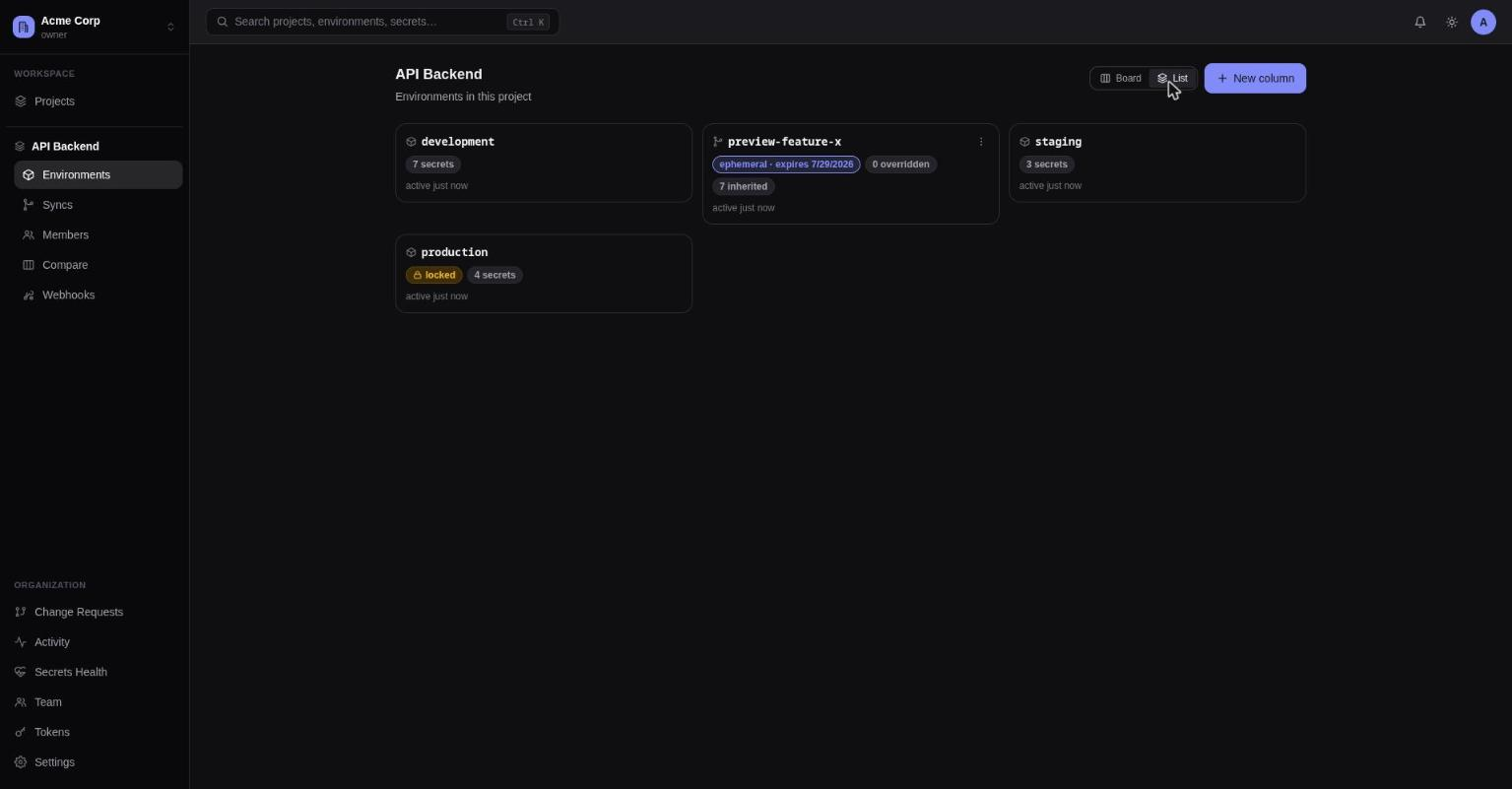
A Trello-style board: one column per base environment (development, staging,
production by default, or whatever the workspace's default-environment list is — see
Settings), each column showing that base environment's card first,
followed by any sandbox environments forked from it.
- A base environment is the persistent, non-deletable-by-non-admins anchor a column is defined by — it has no parent. Creating one requires admin+.
- A sandbox environment is anything forked from a base (or from another sandbox), for
disposable personal/preview work —
dev_alice, a PR preview env, etc. Any project member with write access can fork a sandbox from a column's base, and can delete a sandbox they created themselves (admins can delete any). Deleting a sandbox with children of its own is blocked — delete or re-parent them first. - Deleting a column (its base environment, via the column header's "⋮" menu, admin-only) cascades: every sandbox forked from it, at any depth, is soft-deleted in the same action — that deletion goes through the same trash/recovery path as secrets, so it isn't instantly unrecoverable.
Cards carry badges:
locked(warning, lock icon) — direct writes need approvalephemeral(accent, with expiry date if set) — a preview environment, auto-deleted on expiryinherits <parent>(neutral) — falls through to another environment for unset keys- a secret count
The "+" at the top of a column creates a sandbox that inherits from that column's base environment by default, with a toggle to copy values instead. Use "New environment" (admin-only) to create a new column — a new base environment with no parent.
Inside an environment
The header shows the project name (links back to the environments list) and the environment
slug — click the slug to open a popover env-switcher listing every sibling environment (with
lock icons, and a checkmark on the current one); switching preserves whichever tab you're on. A
locked badge appears next to the slug when applicable.
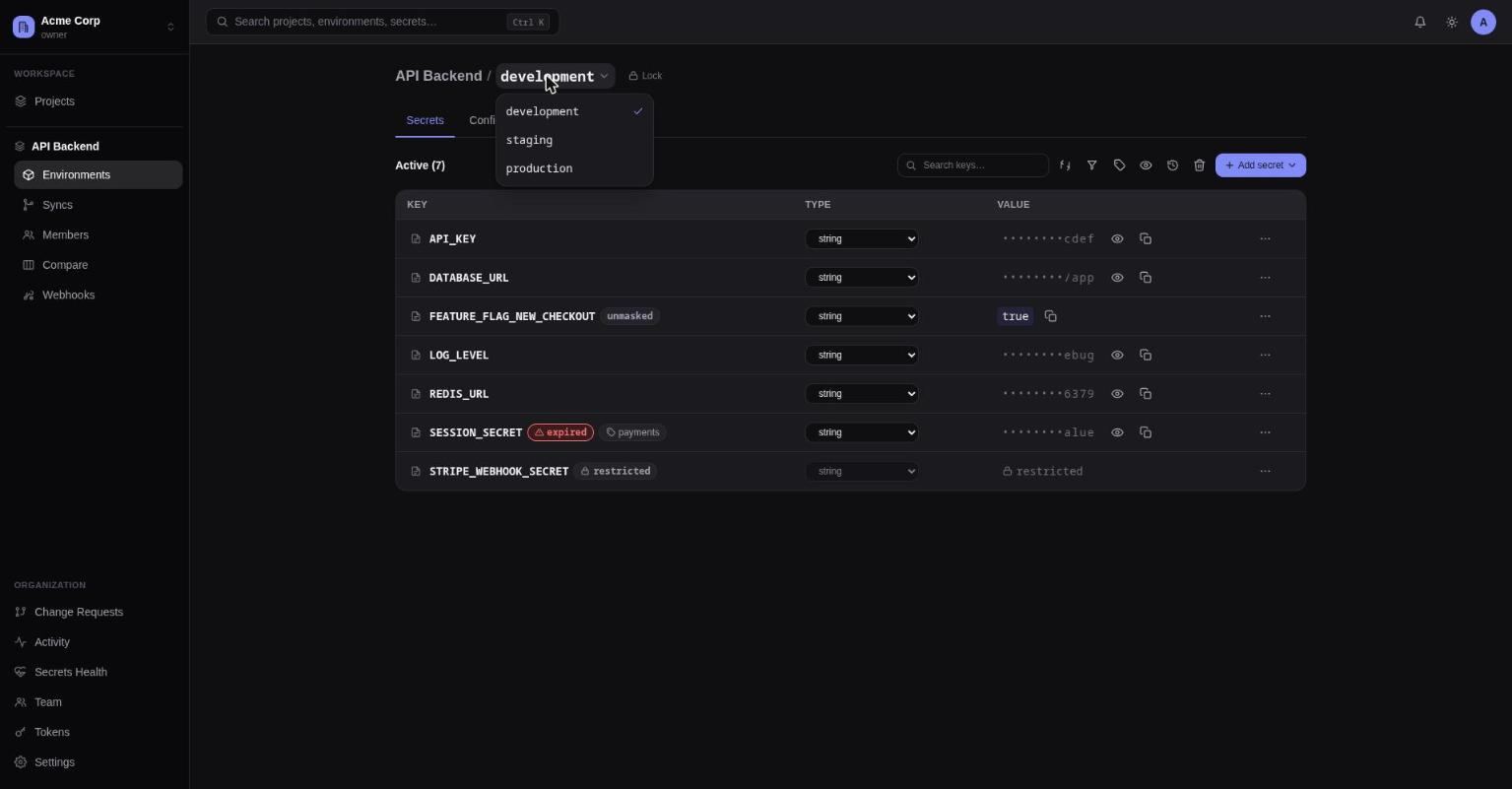
Below the header, four tabs: Secrets, Config Syncs, Access, Logs. The index route redirects to Secrets.